
Take the deposit
when they book.
The customer chooses a vehicle and package, picks a time, and pays the deposit before the booking is confirmed. Show the cancellation window before they pay. The deposit comes off the final total.
Pro · $99/month
Start With a Free Account →Also included on Agency. An enabled payment account and processing terms apply.
The deposit, the window, and the charge.
Deposit at booking
In online booking, the customer pays the deposit before the booking is confirmed. On a call or text, the AI booking agent quotes the job, sends a payment link, and holds the slot once the deposit clears.
The cancellation window
Show a short policy at checkout, before the customer pays. Name a clear cutoff, such as 24 hours or by 6pm the day before. In the sample policy, a change before the cutoff moves the deposit to a new date or refunds it. A cancellation inside the window, or no one available when you arrive, forfeits the deposit.
When the card is charged
The deposit is charged at booking and comes off the final total. The remaining balance is charged when the customer pays the rest of the job. A tip at checkout is optional.
Read the deposit policy guide → It covers how much to ask for, a cancellation policy you can adapt, and how to tell customers who already book with you. Rules about deposits, refunds, and cancellation fees differ by location. The guide is not legal advice.
Set it up before the next booking.
Use deposits alongside your booking page and invoices. Turn them on after the payment account is enabled, and show the amount, the window, and the remaining balance before the customer pays.
- Enable your payment account and review deposit options.
- Show the deposit, the cancellation window, and what remains before they pay.
- Charge the deposit at booking. Charge the balance when they pay the invoice, and offer the supported tip at checkout.
Pro · $99/month
Deposits and tips are available on Pro and Agency. Card payments require an enabled payment account. Check the plan and payment processing terms before activating.
Questions about deposits & tips.
When is the deposit taken?
The customer pays the deposit during booking, after choosing a vehicle, package, and time, and before the booking is confirmed. If the AI booking agent handles a call or text, it sends a payment link and holds the slot once the deposit clears.
What cancellation window should I show?
Show a short policy at checkout, before payment. A clear cutoff such as 24 hours, or by 6pm the day before, is easier to follow than “reasonable notice.” In the sample policy, a reschedule or cancellation before the cutoff moves the deposit to the new date or refunds it. A cancellation inside the window, or if no one is available when you arrive, forfeits the deposit. Check the rules where you work before you use it. The sample is not legal advice.
When is the card charged?
The deposit is charged at booking, before the appointment is confirmed. That amount comes off the final total. The remaining balance is charged when the customer pays the rest of the job. A tip is optional at checkout.
Does the deposit come off the job?
Yes. The deposit is applied to the final total. On an invoice, a deposit already paid reduces the remaining balance.
Which plan includes deposits and tips?
Deposits and tips are on Pro · $99/month and on Agency. An enabled payment account and processing terms apply. Basic is $0/month and does not include them.
Can detailing shop owners use it too?
Yes. MobileDetailing.app is built around detailing work. Set up your business details and customer instructions around your mobile service or shop workflow.
Booking is the start.
Explore everything else.
Your booking page connects to your customers, schedule, payments and AI tools. Start with booking for free and add what your business needs.
Grow your business
Manage your day
Get paid
Booked Solid
Seven plays to help you go from hard to find to booked ahead.
Get My Free Ebook →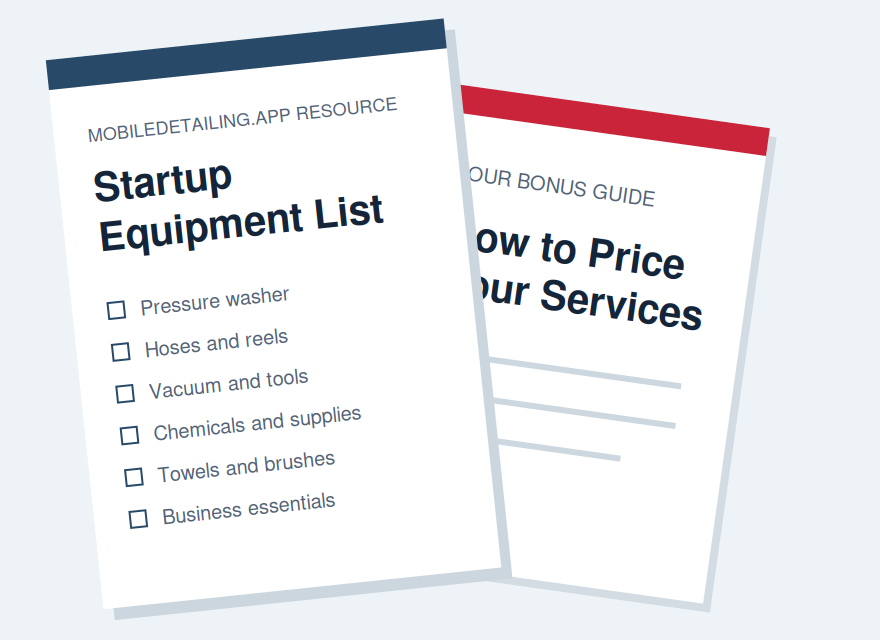
One place to run your detailing business.
Start with your website and booking essentials. Add the tools that make sense for your business.
Start Free →Basic is $0/month. Paid features vary by plan.
Try the live demos →