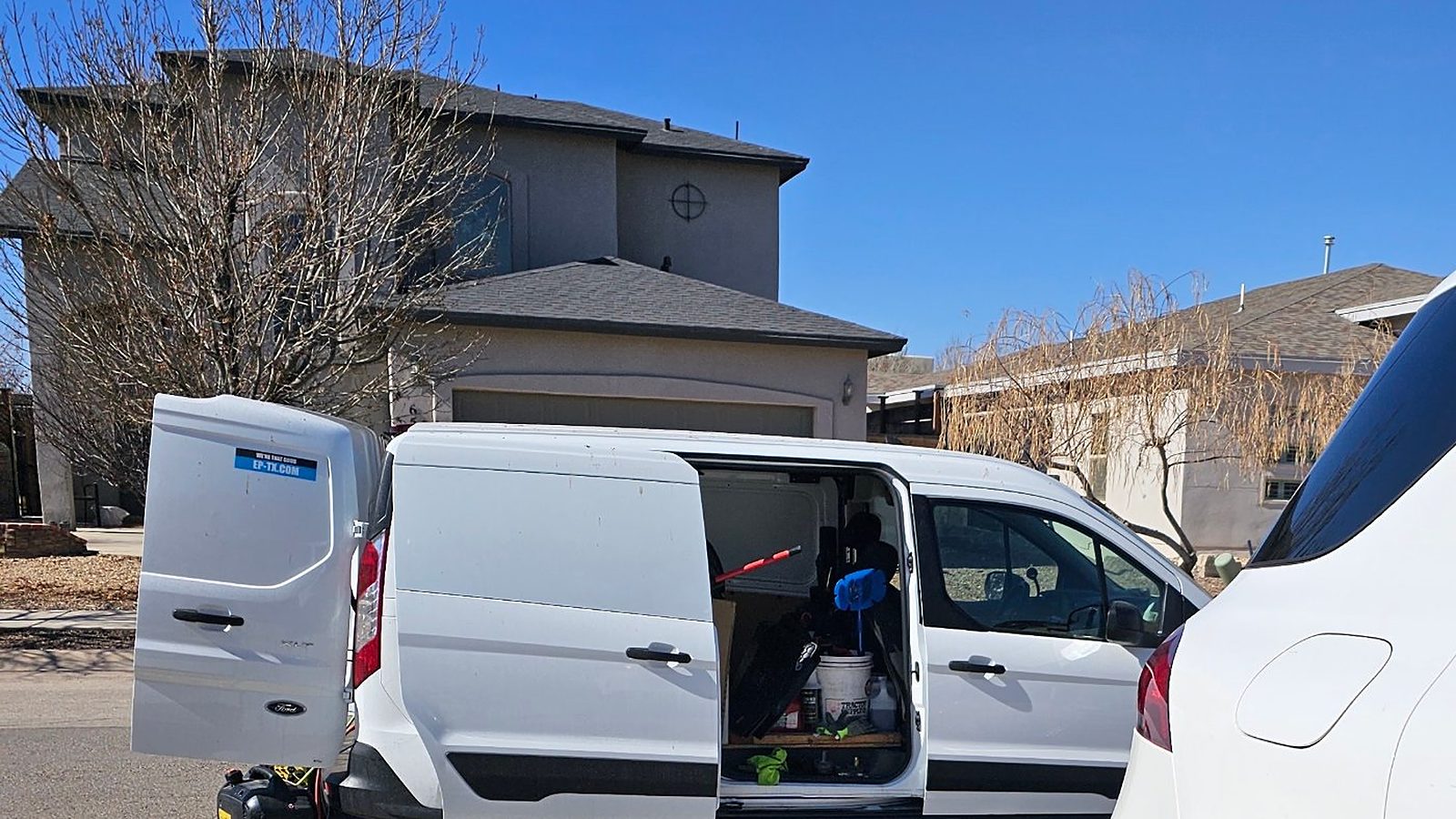
You do not need an agency to show up on Google. You need a short list of jobs done in the right order, and the habit of doing a little every week. This guide gives you both, written for a detailer who has never touched SEO.
SEO means making it easy for Google, and for customers, to find you and trust you when they search for what you do. For a mobile detailer that comes down to three things: a Google Business Profile, a clear website, and real reviews. Nothing here needs special software or technical skill.
The honest part first. No technique ranks you first automatically, and Google says changes can take from a few hours to several months to show up. [1] This plan is steady work, not a trick.
What SEO actually is (in plain words)
When someone searches “mobile detailing near me,” Google looks at the businesses it knows about and picks the ones that fit best. For local searches, Google says it weighs three things: [3]
- Relevance: how well your profile matches what the person typed. A complete, detailed profile matches more searches.
- Distance: how far you are from the searcher. You cannot change this.
- Prominence: how well known you are. Google looks at things like reviews and how many websites link to you.
Google also states that there is no way to request or pay for a better local ranking. [3] So the work that counts is the work you can do yourself: complete information, good reviews and a website people want to use.
What you need before you start
- A Google account for the business, not your personal one, so you own the profile.
- A phone for photos and for texting review requests.
- A website or booking page with your services, service area and a way to book. A one-page site is enough to begin.
- About two hours a week for the first month, then less.
Every tool in this plan is free.
Step 1: Claim and complete your Google Business Profile
This is the single most useful thing you can do, because it is what shows up in the map and local list. Search for your business on Google or go to Google’s Business Profile page, then claim or create the listing and verify it.
- Set it up as a service-area business and hide your home address if customers do not visit you. [4]
- Use your real business name, the one on your van and invoices. Do not stuff keywords into it, which can get a profile suspended. [4]
- Choose the closest primary category, then add every service you offer with a short description.
- Add real photos of your work, your van and your gear, and keep adding them.
We walk through every screen in How to Set Up Google My Business for Mobile Detailers, and explain why it matters in Google Business Profile for Mobile Detailers.
Step 2: Make your website easy to understand
Google finds most pages by following links from pages it already knows about, and it reads your site much like a visitor does. [1] The goal is a site that says clearly who you are, what you do and where.
Say what you do on each page
Give your main services their own section or page: full detail, interior detail, ceramic coating, pet hair removal. Name your city and the areas you serve in plain sentences, the way you would say it to a customer.
Write a clear title and description
Google builds the title you see in results from the page’s title and headings. A good title is unique to the page, clear, concise and accurately describes it. A good description is short and covers the page’s most relevant points. [1] For example: “Mobile Car Detailing in El Paso | Your Business Name.”
Add a short description to your photos
Add a few words of alt text to each image that describe how it relates to the page. [1] “Interior detail on a black SUV” is better than “IMG_4821.”
Skip the tricks
- No keyword stuffing. Repeating “mobile detailing El Paso” over and over violates Google’s spam policies. [1]
- Do not obsess over your domain name. Google says keywords in the domain or URL have hardly any effect on ranking, so pick the name that is best for your business. [1]
- Length is not a ranking factor. Write what a customer needs, then stop.
Put one clear action on every page
The point of the page is a booking. Make your “Book now” button and booking link easy to see, especially on a phone.
Step 3: Check that Google can see your site
Most sites are found automatically, so publishing is often enough. To check, search Google for site:yourwebsite.com (with your own address). If pages from your site appear, they are in Google’s index. [1]
Then set up Google Search Console, Google’s free tool for seeing how your site performs in Search. The first step is verifying that you own the site. [2] Once you are in, three things are worth knowing:
- Performance report: shows the searches and pages that bring people to your site, with impressions and clicks.
- URL Inspection: shows whether a specific page is indexed and lets you ask Google to crawl it.
- Sitemaps: submitting one might speed up discovery. It is optional, since Google can find pages without it. [2]
You do not need to watch it daily. Google emails you about new issues, and checking about monthly is enough. [2]
Step 4: Collect reviews the right way
Reviews help a stranger decide, and Google counts reviews as part of how well known you are. [3] Make asking a habit.
- Ask right after the job, while the car is clean and the customer is happy.
- Text your review link so it takes two taps. You can copy it from your profile.
- Reply to every review by name, briefly. The next customer reads your replies too.
- Never pay for reviews or trade discounts for them. Google’s policies do not allow it. [5]
Step 5: Earn links and keep your details consistent
Google also looks at how many other websites link to you. [3] For a local business, links come from being a real part of your community:
- Your social pages and booking link all point to your website.
- Local business directories and your chamber of commerce, if you belong to one.
- Partners you actually work with: dealerships, property managers, car clubs and fleets you serve.
- Local news, events or sponsorships you take part in.
Keep your business name, phone number, service area and website the same everywhere they appear. Consistent details are easier for people and for Google to trust.
Step 6: Add content that answers real questions
You do not need a blog to get started. If you want to add content, answer the questions customers already ask you: how much does a full detail cost, how long does ceramic coating last, do you bring your own water and power. Put the answers on your website as short sections or a FAQ, in your own words, using your own photos of before and after jobs.
Step 7: Track it once a month
Pick one day a month and look at three places:
- Your Business Profile performance to see how many people found you, called you or visited your website.
- Search Console’s Performance report to see which searches bring people to your site.
- Your own booking record to see which of those became paid jobs. That is the number that matters.
Google suggests waiting a few weeks before judging whether a change worked, and not every change produces a result you can see. [1] Change one thing at a time so you know what helped.
Your two-hour weekly routine
- Ask for reviews (15 minutes). Text the link to every customer you finished that week, and reply to new reviews.
- Add photos (15 minutes). Post two or three new job photos to your profile and website.
- Update your profile (15 minutes). Share a recent job or open slots this week, and check your hours.
- Improve one page (45 minutes). Pick one service, rewrite its title and description, add a clear paragraph and a photo with alt text.
- Build one link or listing (30 minutes). Add a directory listing, ask a partner to link to you, or fix a mismatched detail.
After the first month you will likely need less time. The habits stay the same.
Mistakes beginners make
- Stuffing keywords into the business name or page text.
- Using a fake address or listing areas you do not serve.
- Buying reviews or trading discounts for them.
- Changing everything at once and never learning what worked.
- Giving up after two weeks. SEO builds over months.
When doing it yourself stops making sense
Running your own SEO costs only time, and that is the trade. Google’s own guide notes that if you are short on time, you might consider hiring a professional. [1] If you are booked out and the routine keeps slipping, that is the moment to hand it off. By then you will also know what good work looks like, so you can ask the right questions of anyone you hire.
How MobileDetailing.app helps
Start with a free website and booking link so your Business Profile and your pages have somewhere to send customers. The builder includes the local-search basics: your business details marked up for Google, a sitemap, and page titles and descriptions built for you. Pro adds Google Ranking Monitor, which tracks where you show up over time.
If you would rather spend your time detailing, our team can run it for you.
Common questions
Can I really do SEO myself without an agency?
Yes. Google’s own guide says most sites are found and added to search automatically, and nothing in it says you must pay anyone. The basics (a verified Business Profile, a clear website, honest reviews and steady upkeep) can be done by an owner with a few hours a week.
How long does SEO take to work?
Google says a change can take anywhere from a few hours to several months to show up, and suggests waiting a few weeks before judging whether it helped. Plan on a few months of steady effort for competitive searches like “mobile detailing near me.”
Do I need a website to do SEO?
A Business Profile can bring calls on its own, but a website gives Google more to understand and gives customers a place to trust you and book. A one-page site with your services, area and booking link is enough to start.
Is Google Search Console free, and do I need it?
You do not need it to be listed, since Google finds most sites on its own, but it shows how Google sees your site: which searches bring people, which pages are indexed and any problems. Google suggests checking it about monthly.
Can I pay Google to rank higher?
Not in the local results. Google says there is no way to request or pay for a better local ranking. Distance, relevance and prominence decide, and you can work on the last two.
When does it make sense to hire help?
When your time is better spent detailing. Google’s guide notes that if you are short on time you might consider a professional. Running it yourself costs nothing but hours, and you can always hand it off once you know what good looks like.
Sources and further reading
Google guidance checked November 15, 2026. Features and rules can change, so check Google’s pages for the latest.