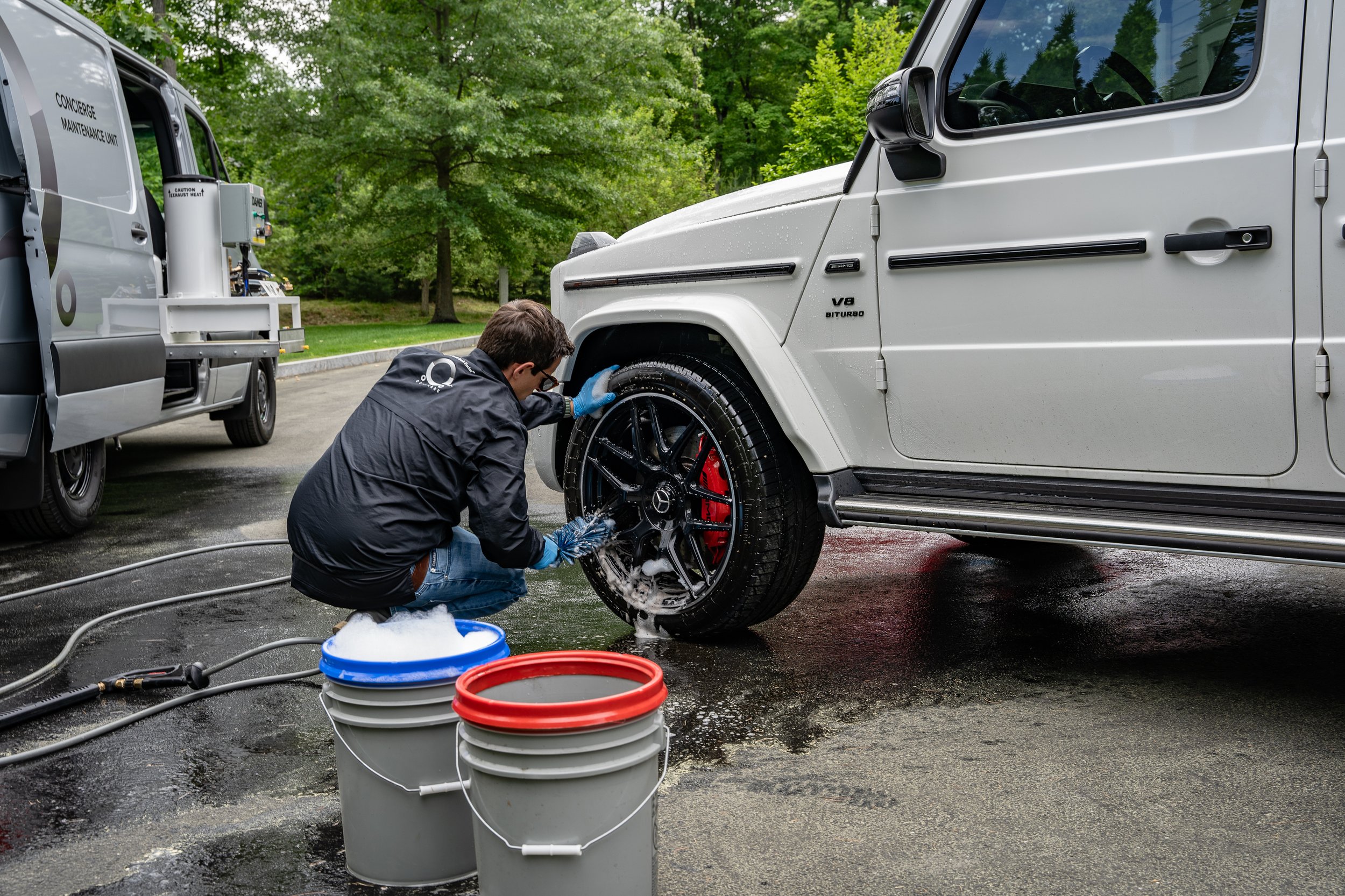
Your next customer may find you while you are cleaning someone else’s car. A good website helps them understand your services, trust your work, and take the next step—even when you cannot answer your phone.
For a mobile detailer, your website is a front desk that travels with your business. For a shop, it helps people plan a visit before they reach your door. Either way, it should do more than look nice.
It should answer basic questions and make booking feel easy. Here is how that supports growth, how it connects with SEO, and how to work out whether the cost makes sense.
Why a detailing business needs a home online
Social media is great for showing your work. A Google Business Profile helps people find you locally. Your website gives all those visitors one clear place to learn about your services and book.
You can share the same link in your profile, a text, a business card, or a vehicle graphic. You control the service details, the photos you publish, and the next step you offer. Keep a domain you own and know how to access your site and accounts.
Think about a customer looking at three detailers after dinner. One has nice photos but no service details. Another asks them to call tomorrow. The third explains the options and lets them request or book a time. That third business has made the decision easier.
Your website’s job: “Yes, we do that. Yes, we serve your area. Here is what to expect. Here is how to book.”
SEO brings the visitor. Your website helps earn the job.
SEO helps search engines understand your pages so they can be considered for relevant searches. Your website is where that search visitor checks whether you are the right fit. Useful pages and clear links help both people and search engines. [1]
Picture this path: someone searches “mobile interior detailing,” opens your interior detail page, checks the package and service area, and starts a booking. Each step should lead naturally to the next.
Sending every visitor to a vague homepage adds work. If someone needs pet hair removal, link them to the page that explains it. If you run a shop, make the address and drop-off steps easy to find. If you travel to customers, explain where you go and what you need at the job.
Good design alone does not secure a search ranking. A fast, usable page is one part of the experience; the page also needs useful, relevant information. [2] For the discovery side, read our simple SEO guide for detailing owners.
The questions your website should answer
- What do you do? Name your main services in words customers use. Explain the difference between a maintenance clean and a deeper detail.
- Where do you work? List real service areas for mobile work, or show your shop’s address and arrival details.
- What is included? Describe the work, the limits, and when extras may apply. Avoid making customers guess what a package name means.
- What will it cost? Show prices, starting prices with clear conditions, or a simple way to get a quote. Explain size and condition adjustments before payment.
- Can I trust you? Use real work photos, honest reviews, and a short owner introduction. Say what your process is rather than making claims you cannot prove.
- What happens next? Give people a clear booking button and explain confirmation, deposits, and any approval step.
A mobile business should also say whether you need access to water, power, parking, or shade. A shop should explain how long the car may stay, whether customers can wait, and when pickup happens. Clear expectations can save time before the first call.
Make the phone experience easy
User experience means how it feels to use your website. Can someone read it, find an answer, and finish the task without getting stuck? That matters when they are standing in a parking lot with one hand on their phone.
- Use readable text and buttons that are easy to tap.
- Show a clear “Book a Detail” action near the top and after service information.
- Keep the main menu short. Services, service area, reviews, and booking cover a lot.
- Resize photos so they load without a long wait. Describe important photos for people using screen readers.
- Keep forms short. Ask for details when they are needed, not all at once.
- Show helpful errors. “Enter a valid email address” is better than a form that quietly fails.
Try this today: Open your site on your phone using mobile data. Ask a friend to find an SUV interior detail, check the price, and start a booking. Watch where they hesitate. Fix one problem, then test again.
A booking page turns interest into a next step
A booking flow should guide people through a few simple choices: vehicle, service, location, and time. Show the price and any conditions before they commit. If a job needs a custom quote, make that clear instead of showing a misleading final price.
Keep availability accurate. If you review requests before accepting them, label them as requests. If you take a deposit, explain the amount and cancellation rules. A confirmation should tell the customer what was booked and what happens next.
Some people still want to call or ask a question. Give them a visible contact option. Website chat and phone support can help someone who is unsure which package fits their car.
MobileDetailing.app combines a website or booking page with tools for appointments, customers, and payments. Optional AI booking tools can answer questions using your service and pricing details. Book yourself in the demo or try the AI →
Measure the path from visitor to paid job
A page view is not a customer. A booking request is not money collected. Track each step so you know where people stop.
| Measure | What it tells you | What to check next |
|---|---|---|
| Relevant visits | People reach your site from useful sources. | Which service pages and channels bring them? |
| Booking starts | Visitors are interested enough to begin. | Are packages and prices clear? |
| Confirmed appointments | The flow leads to real scheduled work. | Where do people leave the form? |
| Completed, paid jobs | Appointments become collected revenue. | Are reminders and expectations working? |
| Amount left after job costs | The work helps pay for the business. | Are travel, labor, and supplies eating the margin? |
Ask callers how they found you, and record the source with the job. A customer may discover you on Instagram, visit your site, and call later. Pick one main source per job for your simple report so you do not count the same sale twice.
Does the website pay for itself?
Return on investment, or ROI, compares what an investment brings back with what it costs. For your website, sales are only the start. You still have to pay for the time, supplies, fuel, and fees used to do the work.
Suppose 200 relevant visits lead to 10 completed jobs at $200 each. That is $2,000 in sales. If each job costs $100 to deliver, $1,000 is left before the website cost. With a $49 monthly cost and a $300 setup cost spread over 12 months, the monthly cost is $74. The estimated amount left is $926 before fixed overhead and taxes.
Those numbers explain the math; they are not a claim about typical results or a setup-fee quote. Change them below to fit your business.
Your website return calculator
Illustrative planning tool. These defaults are examples, not expected results or a price quote. Include labor (including your own time), supplies, travel, and fees in the cost per job.
Before fixed overhead and taxes. Setup is spread for comparison, not a cash-flow forecast. Fractional jobs are an average. No repeat revenue is assumed. SEO results can take time; this is a steady-month scenario, not a month-one promise.
The chart shows how the money moves from sales to delivery costs and the amount left. A 5% rate means five out of every hundred visitors become completed, paid jobs—not just people who tap a booking button.
Only count work the website helped add or keep. If the ten jobs would have come by phone anyway, crediting all ten to a new website would overstate its return. Time saved on scheduling can be useful too, but this calculator does not give it a dollar value.
Grow the return before buying more traffic
You have three useful levers: bring more of the right visitors, help more of them finish booking, and keep more from each job. Test one at a time.
- Better-fit visitors: Link local searches and service posts to the page that answers the need. Avoid paying for visits outside your area.
- A clearer offer: Explain who each package suits. Make price factors and next steps easy to understand.
- Fewer lost inquiries: Give people a way to book after hours or ask a quick question while you work.
- Better job economics: Check route distance, package time, and add-on costs. A full calendar can still leave too little profit.
- A reason to return: After good work, offer an easy way to book maintenance. Count repeat sales when they happen, not as guaranteed future revenue.
If your calendar is already full, the website can help set expectations and reduce admin. It cannot create extra hours in the day. Keep your available times and workload realistic.
Start with one page that does the job well
You do not need a huge site to begin. Start with a clear service offer, real photos, your location or service area, proof of your work, and a booking path. Add deeper service pages as you have useful information to share.
- Write the five questions customers ask most often.
- Put clear answers on your site.
- Test the whole booking flow on your phone.
- Record your starting numbers and review them each month.
MobileDetailing.app’s free Basic plan includes a custom mini-site and online booking. Pro adds website-building and SEO monitoring tools. Agency includes a done-for-you website and SEO, for owners who want help getting it handled.
Ready for a website that helps customers take the next step? Start your free booking page → or see done-for-you options.
Make it easy for the person who already wants your service. That is the link between getting found, earning trust, and getting booked.
Sources and further reading
Search guidance checked October 15, 2026. Examples and calculators are illustrative.